
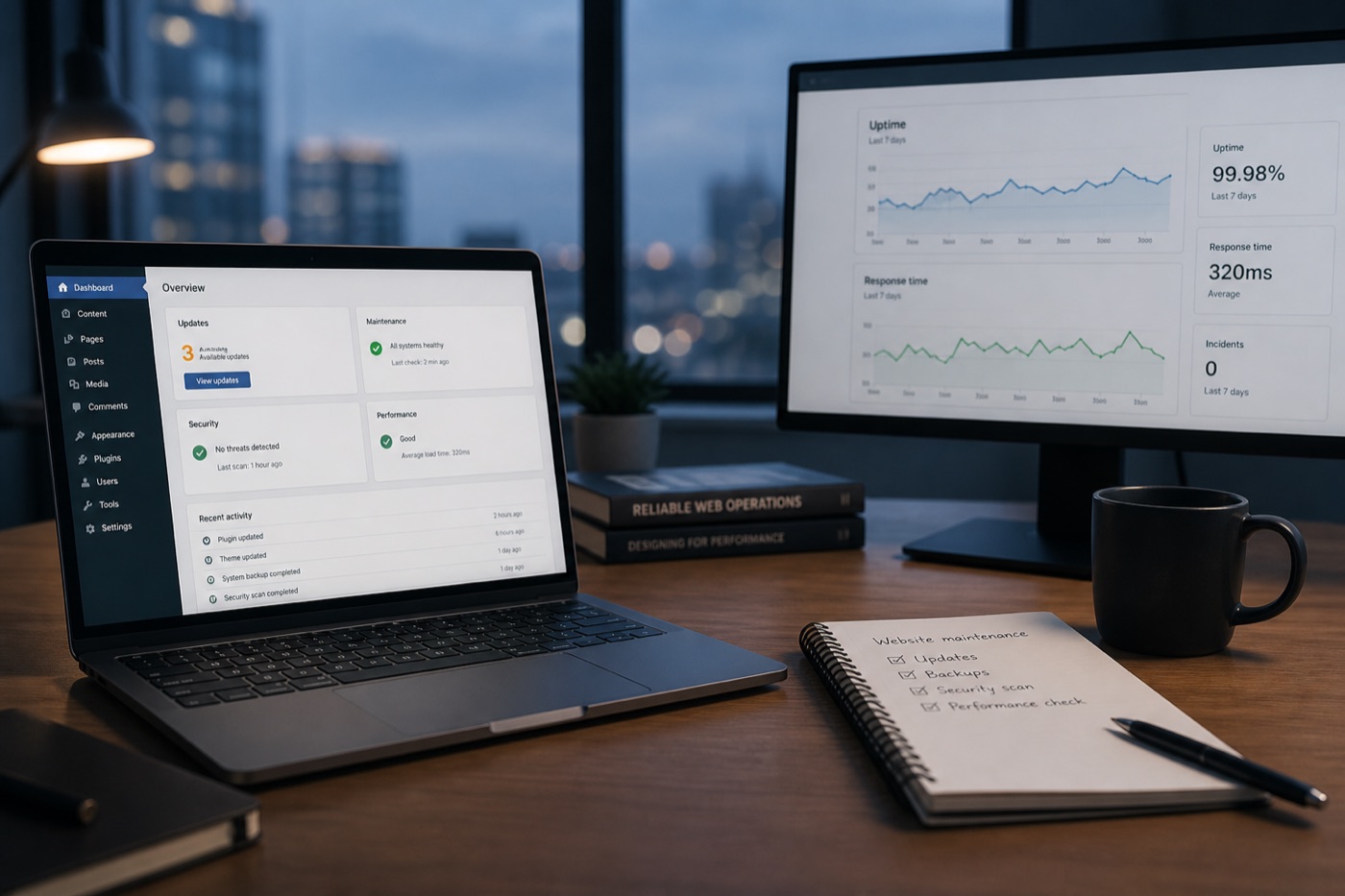
A live website is not a brochure you print once. It sits on software, plugins, themes, DNS, TLS certificates, and hosting that change without asking you. Ongoing care is how you keep that stack trustworthy — or you discover the gap when a form dies, a plugin conflicts, or someone else finds the unpatched hole first.
Why do websites need ongoing maintenance?
Because the parts underneath your content ship updates on their own schedule. Core CMS releases, plugin and theme patches, platform apps, PHP/runtime versions, and certificate renewals are normal — not emergencies.
Public guidance from CISA and NIST’s patch-management work frames patching as a repeatable process: know what you run, apply updates with priority, and verify that systems still work. For a small-business site that usually means:
- Watch uptime, SSL, and obvious breakage
- Patch on a disciplined cadence (not “whenever we remember”)
- Back up so a bad update is recoverable
- Review what changed and what needs a human decision
WordPress’s own docs treat updating WordPress as routine ownership — the same idea applies to MODx and to hosted platforms where apps, themes, and DNS still need eyes.
What are the risks of not maintaining a website?
Skipping care rarely fails dramatically on day one. It fails as quiet debt:
- Security exposure — outdated components are a common path into web apps; the OWASP Top Ten keeps highlighting risks that grow when software ages without review
- Broken lead paths — forms, chat widgets, and checkout apps stop after an untested update or expired certificate
- Silent downtime — you find out from a customer, not from a monitor
- Backup theater — “we have backups” that nobody has restored in a year
- Owner time tax — every neglected month makes the next catch-up harder and riskier
You do not need a breach to lose money. A dead contact form on a Tuesday is enough.
When does DIY website care stop making sense?
DIY is fine when someone named owns a monthly checklist and actually runs it. It stops making sense when:
- Updates pile up for months because “the site still looks fine”
- The only person who knows the admin lives in another job (or left)
- You are afraid to click Update because last time something broke
- Hosting tickets, DNS, and plugin conflicts already eat evenings
Offsetting to a care team is not about buying a fancy agency. It is about buying a cadence — patches, backups, watchfulness, and a short health note — so maintenance is not competing with jobs, quotes, and payroll.
What should a practical care cadence include?
A durable small-business care playbook is boring on purpose:
- Scheduled updates within a platform playbook (WordPress, MODx, or hosted)
- Backups you can restore, not just files sitting on the same disk
- Uptime checks so you are not the last to know
- Basic malware / incident triage when something looks wrong
- A monthly note: what changed, what is fine, what needs a decision
That is care, not a redesign retainer, not unlimited emergency development, and not workflow automation (Ops packages cover lead and appointment jobs separately).
How does ScopedOps Site Care fit?
Site Care is that cadence as a package — a one-time fee to ingest and onboard the site, then a clear monthly by platform. Pick WordPress, MODx, or a hosted platform at checkout; custom stacks start with evaluation so “healthy” is defined before care begins.
If your site is the storefront and the phone-book entry for the business, treat maintenance like rent: optional until the day it is not.