
Article

Cut appointment no-shows with confirmations and reminders

A practical reminder path for clinics, consultants, and service businesses — what to automate first, what to leave human, and how ScopedOps packages it.

Direct answer. No-shows drop when confirmations and reminders fire from the calendar automatically — confirm on booking, remind before the visit, and offer a simple reschedule path — consistency beats occasional manual texts.

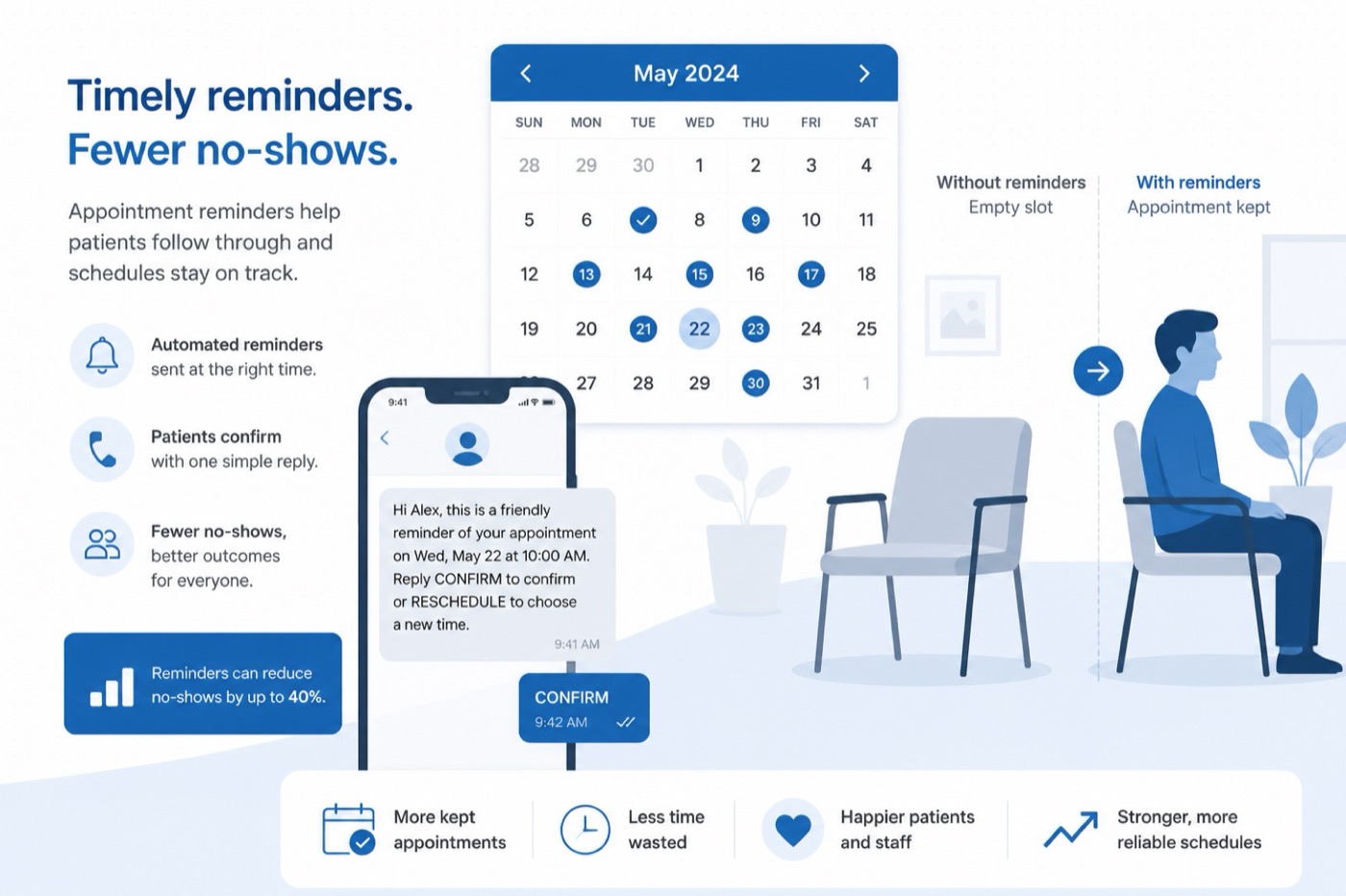
Calendar and phone reminder confirming an appointment to reduce no-shows

Cut preventable no-shows by making confirmations and reminders automatic and tied to the calendar event — not dependent on whoever remembered to click send. Confirm when booked, remind before the visit, and make rescheduling easy.

What is appointment and show-rate ops?

Appointment & show-rate ops means confirmations and reminders go out on a reliable schedule tied to the calendar event — plus a simple path to reschedule — so fewer clients forget and your calendar stays cleaner.

It is not a full practice-management suite. It is the layer that keeps “we booked it” from becoming “they ghosted.”

Do reminders actually work?

Yes for preventable forgets. Systematic reviews of SMS/text reminders (including Cochrane-reviewed evidence on mobile reminders and attendance) generally find improved attendance versus no reminder. Effect sizes vary by specialty and population. Reminder systems do not erase weather, emergencies, or intentional no-shows — so honest operators never promise zero no-shows.

What is the minimum effective reminder path?

Booked Calendar event Confirm On create + 24h / 2h remind Show / rebook Fewer empty slots

  1. Booking source of truth — Google Calendar, Calendly/Cal.com, practice software, or CRM appointments
  2. Confirm on create — SMS or email with time, location/link, and how to change it
  3. Remind before — typically 24 hours and/or 2 hours (vertical-dependent)
  4. Optional rebook nudge — if they cancel late or no-show, a short “want a new slot?” path

SMS often outperforms email for show-rate. SMS has a cost per message — pass-through tooling, not a surprise.

What should you not automate first?

  • Clinical advice or legal counsel in reminder copy
  • Aggressive guilt-trip sequences that damage trust
  • Complex multi-provider scheduling logic before basic reminders work

Get confirm + remind reliable. Then deepen.

Next step

If the pain is no-shows and forgotten appointments, see Appointment & Show-Rate Ops.

FAQ

Do appointment reminders reduce no-shows?

Yes, reliably for preventable forgets. Healthcare and service literature shows SMS/email reminders improve attendance versus no reminder. They do not eliminate emergencies, weather, or cold feet — and ScopedOps does not claim zero no-shows.

What should I automate first for appointments?

Confirm on create, then one or two pre-visit reminders (for example 24 hours and 2 hours), plus a short reschedule path. Leave complex multi-provider logic and clinical advice out of the first version of reminder copy.

Are SMS reminders better than email?

Often yes for show-rate, because SMS is harder to miss. SMS has a per-message cost — treat it as pass-through tooling, not a surprise fee.

How is this different from Calendly’s built-in reminders?

If built-in reminders already cover you, you may not need us. Appointment Ops earns its keep when reminders span multiple tools, need custom escalation, or need monthly care when staff change templates.

Sources & citations

External references that support claims in this article. We cite research and primary docs — not invented statistics.

  1. Cochrane Database of Systematic Reviews () Systematic review evidence that mobile reminders can improve attendance; effects vary by setting.
  2. National Library of Medicine (PubMed) Indexed abstract/record for the Cochrane messaging-reminders review lineage.